The apps
Nymène also comes as native apps, for your phone and your TV. Same station, same track at the same moment as on the site.
Why a radio?
One radio, dozens of musical worlds, no playlist to pick. Start Nymène and let it surprise you.
- No playlist to pickNo catalogue to browse and no choice to make: press play, the station lines up the tracks.
- Dozens of worlds50 different styles across 12 families: from one track to the next, the music changes worlds.
- A moment for every moodThe schedule gives each part of the day its own colour; the rest of the time, the whole catalogue rotates.
On phone and tablet
The Android app, to listen anywhere, even with the screen off.
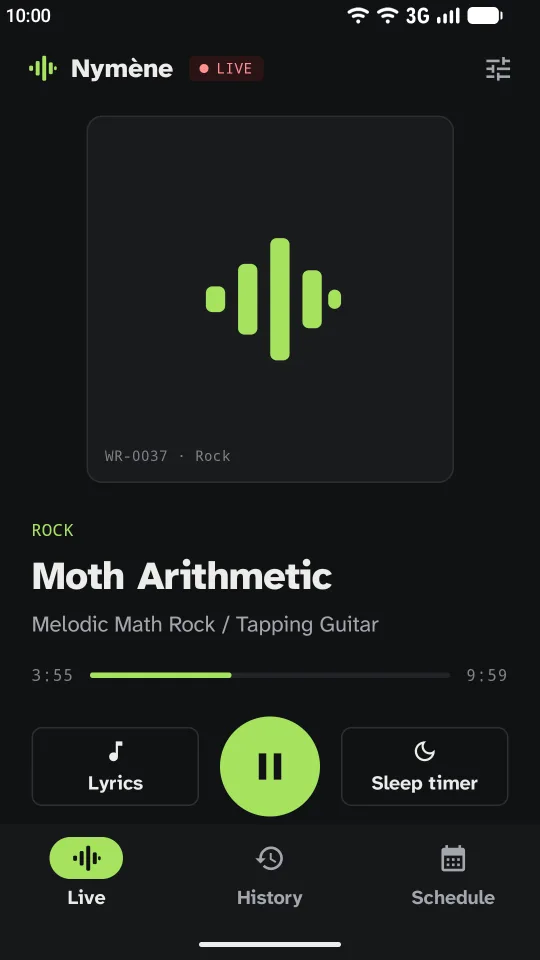
Live 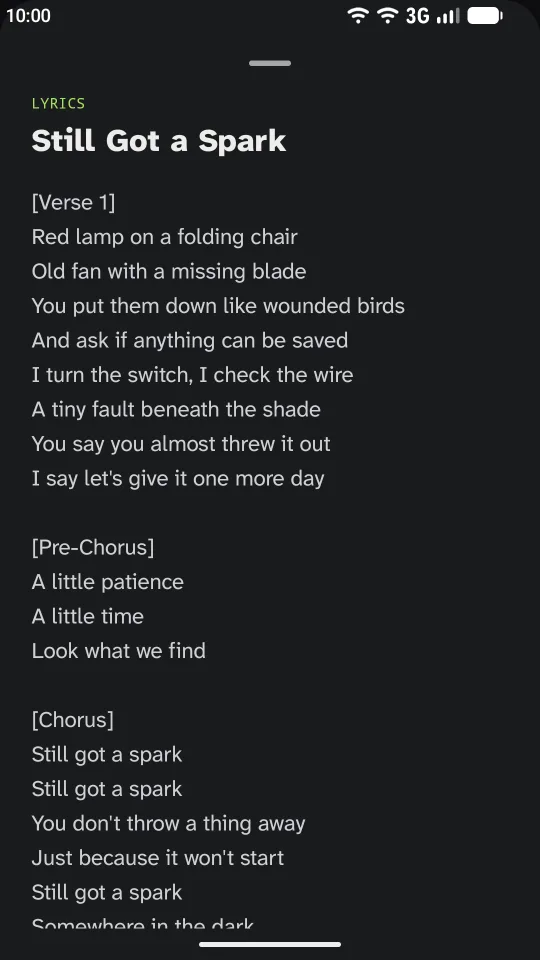
Lyrics 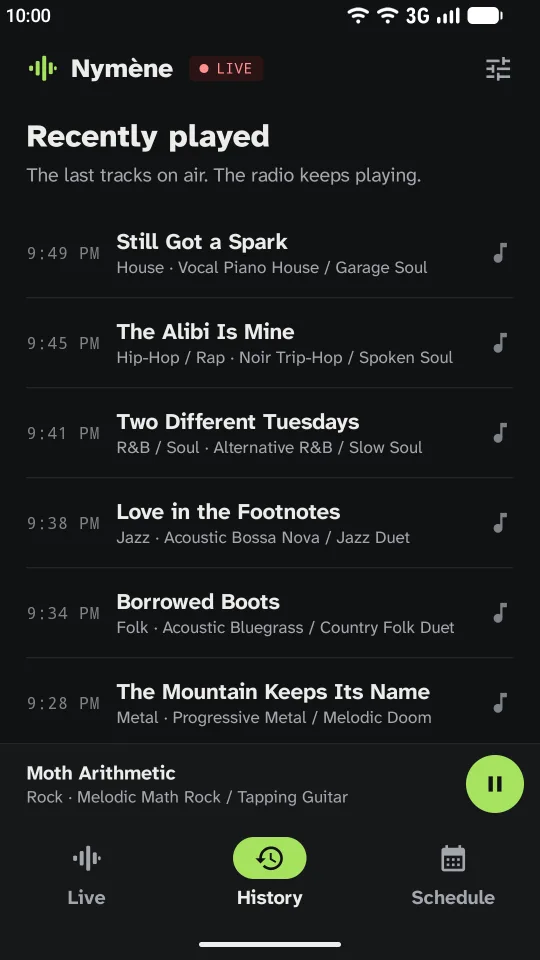
History 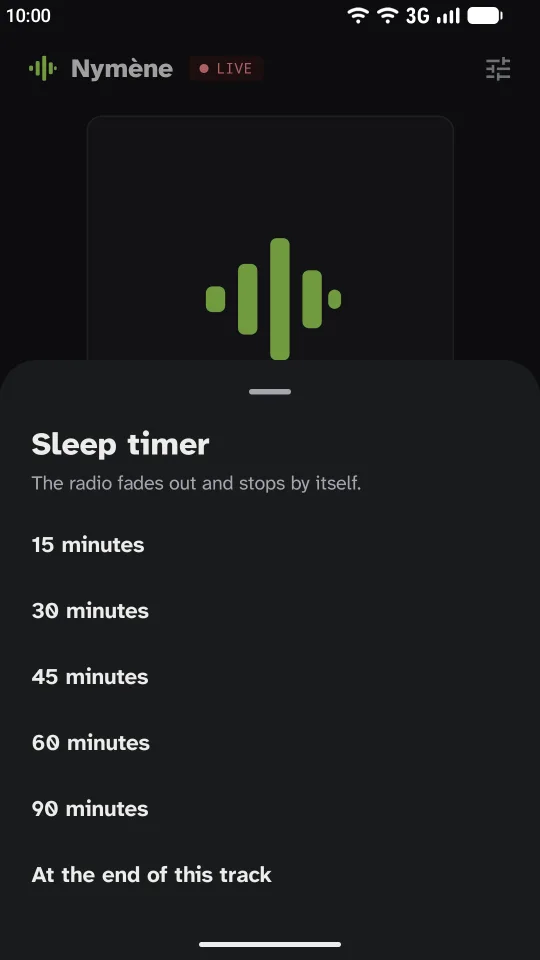
Sleep timer 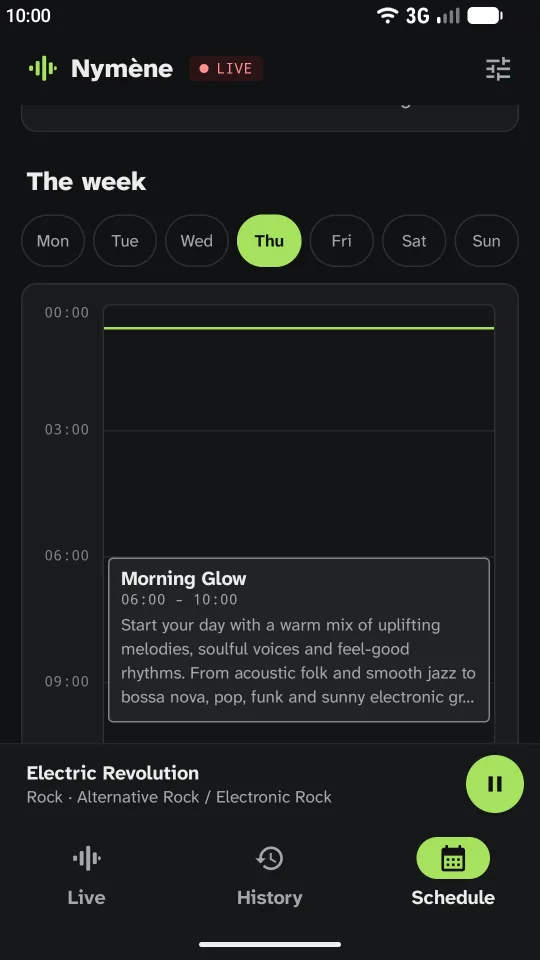
Schedule
- Background playbackThe station keeps playing with the screen locked or while you use another app.
- Android media controlsPlay and pause from the notification, the lock screen, headphones or a Bluetooth speaker.
- Song lyricsThe lyrics of the track on air, when it has some.
- History and scheduleThe last tracks played on air and the week’s schedule.
- Sleep timerFrom 15 to 90 minutes, or at the end of the track: the radio fades out and stops by itself.
- Mobile data saverA lighter stream, always or only on mobile data.
On the TV
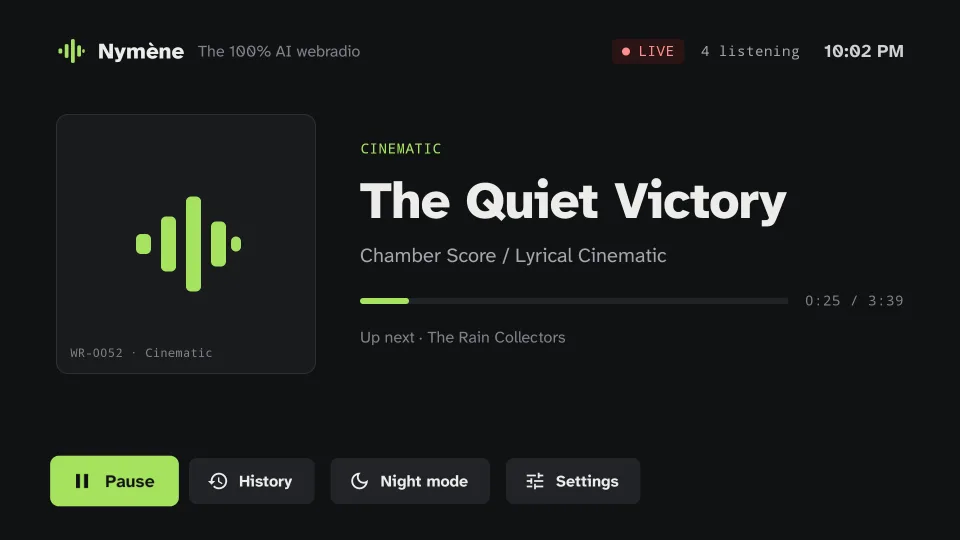
The Android TV app, made for the sofa and the remote.
Live 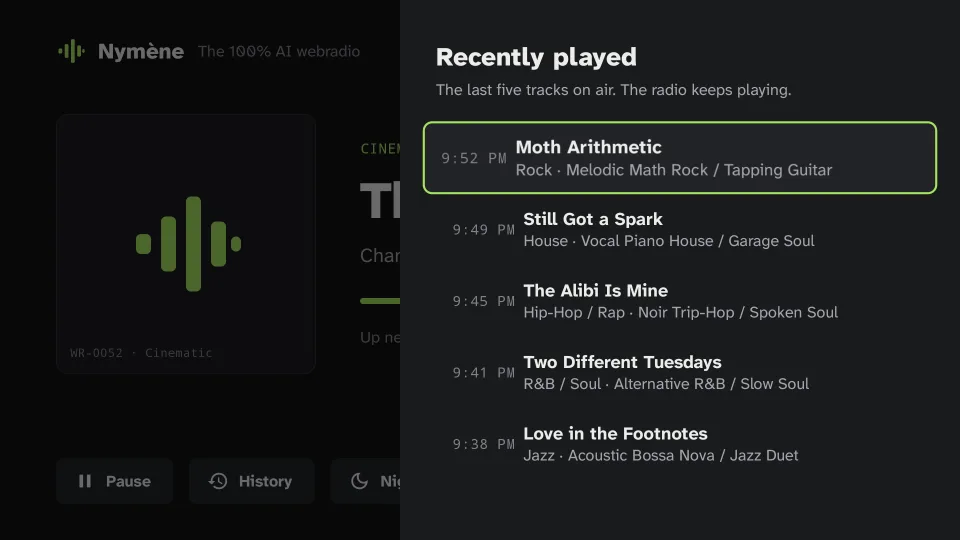
History 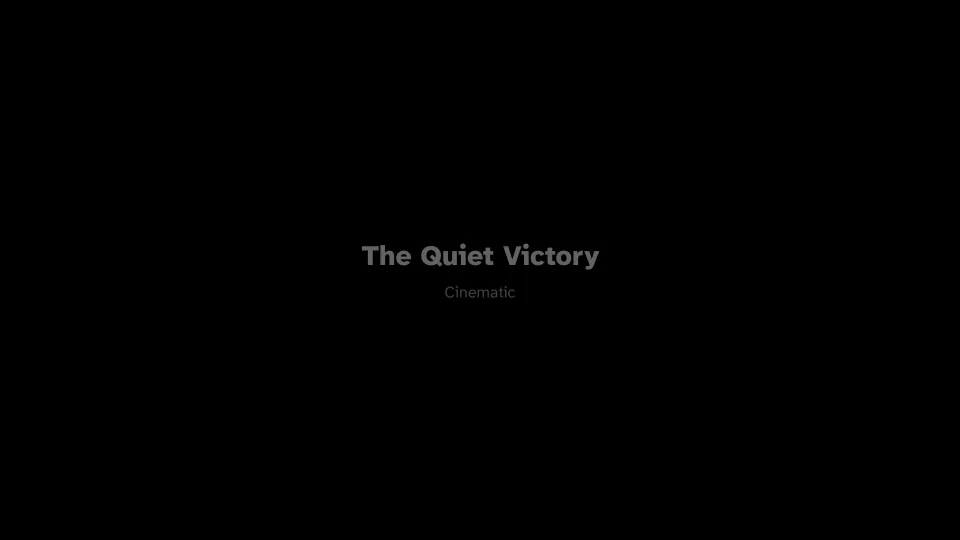
Night mode 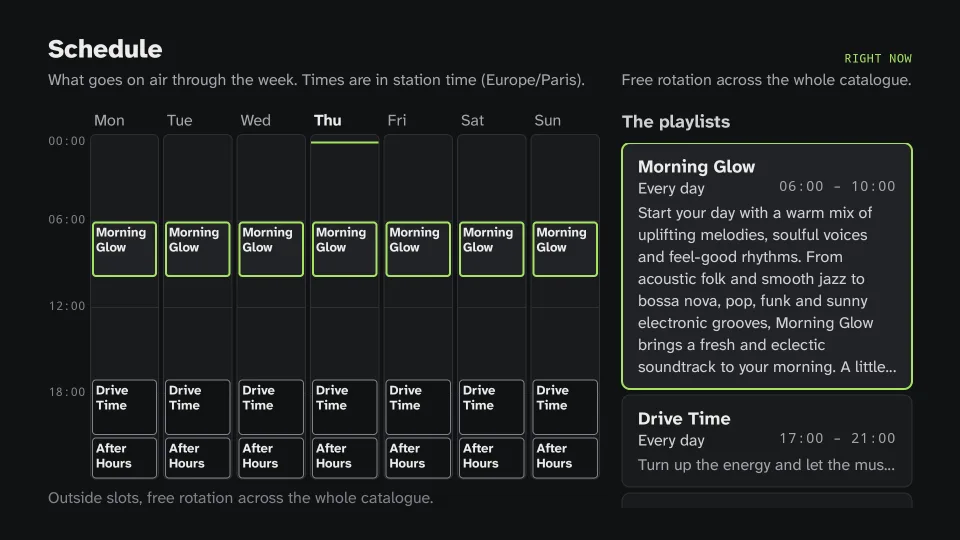
Schedule
- Made for the TV screenLarge type and an uncluttered screen, readable from the sofa.
- Remote navigationEverything works with the arrows and OK; the media keys play and pause.
- Minimal night modeA near-black screen, the title in dim grey, moved now and then so it never marks the panel.
- Interactive schedule gridBrowse the week with the remote: each programme lights up on the grid.
- Continuous playbackThe station never stops while you look at the history or the grid.
No Android device?
The site plays the live stream in any recent browser, on a computer, an iPhone or a tablet, and can be installed like an app. The .m3u file also opens the stream in VLC or mpv.